Free
Drumshift
Remap drum MIDI between kits.
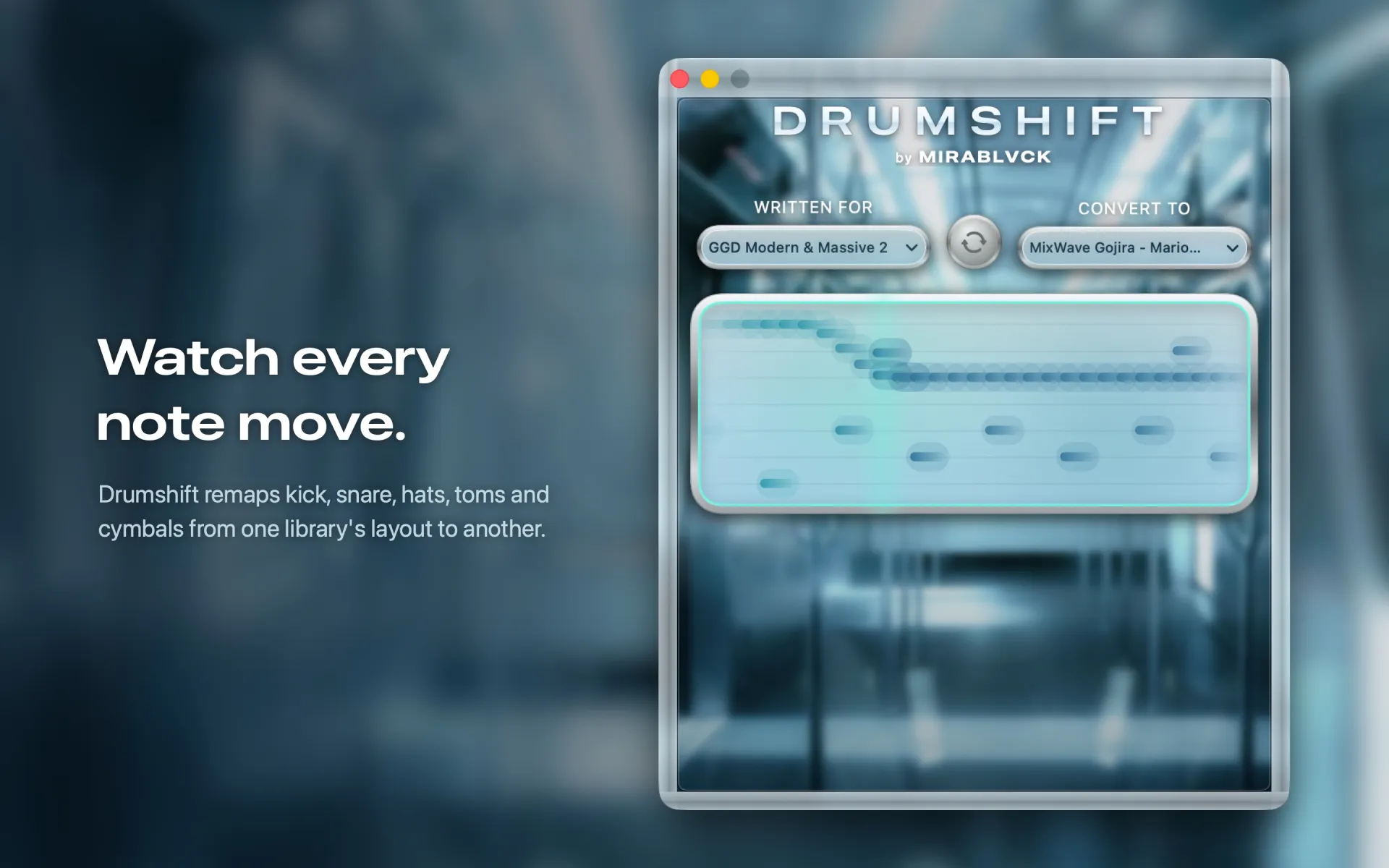
A free app for Mac and Windows that moves drum MIDI from one library's note layout to another. Drop a file, pick both layouts, drag the result into your DAW.
What it does
Wrote a groove for one drum library and want to play it on another? Drop a .mid file, choose the layout it was written for and the layout you want. Drumshift remaps every note (kick, snare, hats, toms, cymbals), keeps only the drum tracks and gives you a new MIDI file you can drag straight into Logic, Studio One, Ableton, Cubase or any DAW.
What's included
- 30 built-in layouts, including General MIDI and popular drum libraries
- Search the layout list as you type
- Converts several files at once; drag the result straight into your DAW
- Mac: remembers what you converted and imports your own maps (Studio One note-remap presets, Reaper note-name files, GM-to-note tables)
- Nothing leaves your computer. No account, no tracking
Formats & compatibility
Formats
Standalone app
Platforms
macOS, Windows
DAW
Logic, Studio One, Ableton Live, Cubase, Reaper, any DAW that takes MIDI
System requirements
macOS
- macOS 26 or later
- Apple Silicon or Intel
Windows
- Windows 10 or 11, 64-bit
Version & download
Free download
Get Drumshift.
Leave your email and the download starts right away. Version 1.0 · Mac 3.3 MB · Windows 94 MB.